












Get Your Printer Back to Working Order
Find straightforward solutions for printing errors, wireless connectivity troubles, and software-related issues. Our easy-to-understand resources help you identify problems and restore smooth device performance without unnecessary complications.
Everything You Need to Resolve Printer Issues
Explore useful resources and practical tools designed to simplify printer maintenance, resolve technical errors, and make everyday printing easier.
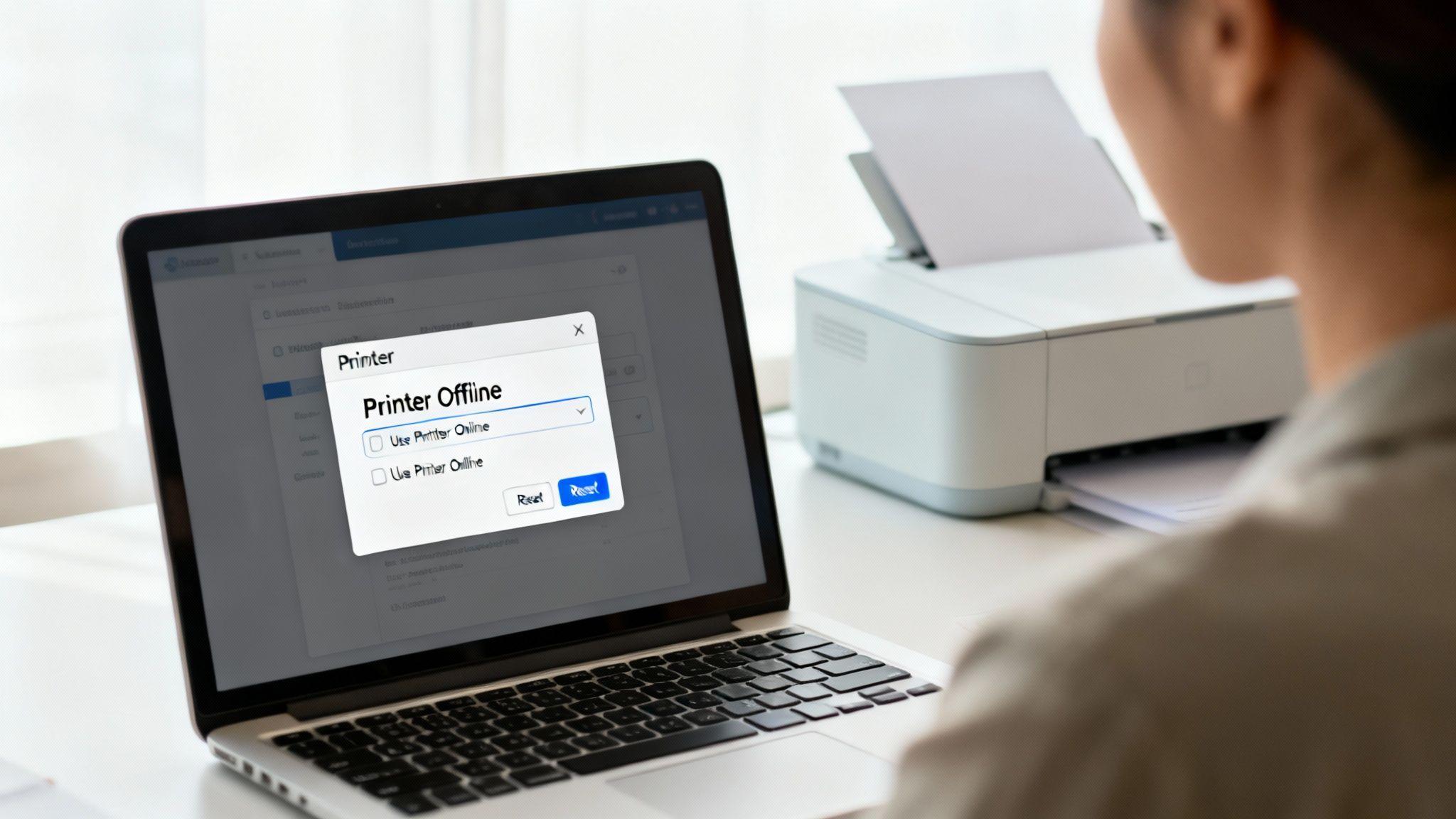
Find practical solutions for common printing errors, connection failures, and device interruptions with easy-to-follow instructions.
Understand printer installation, wireless configuration, and software settings through clear instructions that simplify the setup process.
Avoid unnecessary repair expenses by learning how to identify technical faults and resolve them with simple troubleshooting methods.
Find Solutions Across Different Devices
Whether you're using a desktop, laptop, or wireless printer, access helpful information and practical instructions to keep your printing setup connected and functioning smoothly.
Learn how to establish stable connections between your printer and computer, whether through USB, Wi-Fi, or network settings.
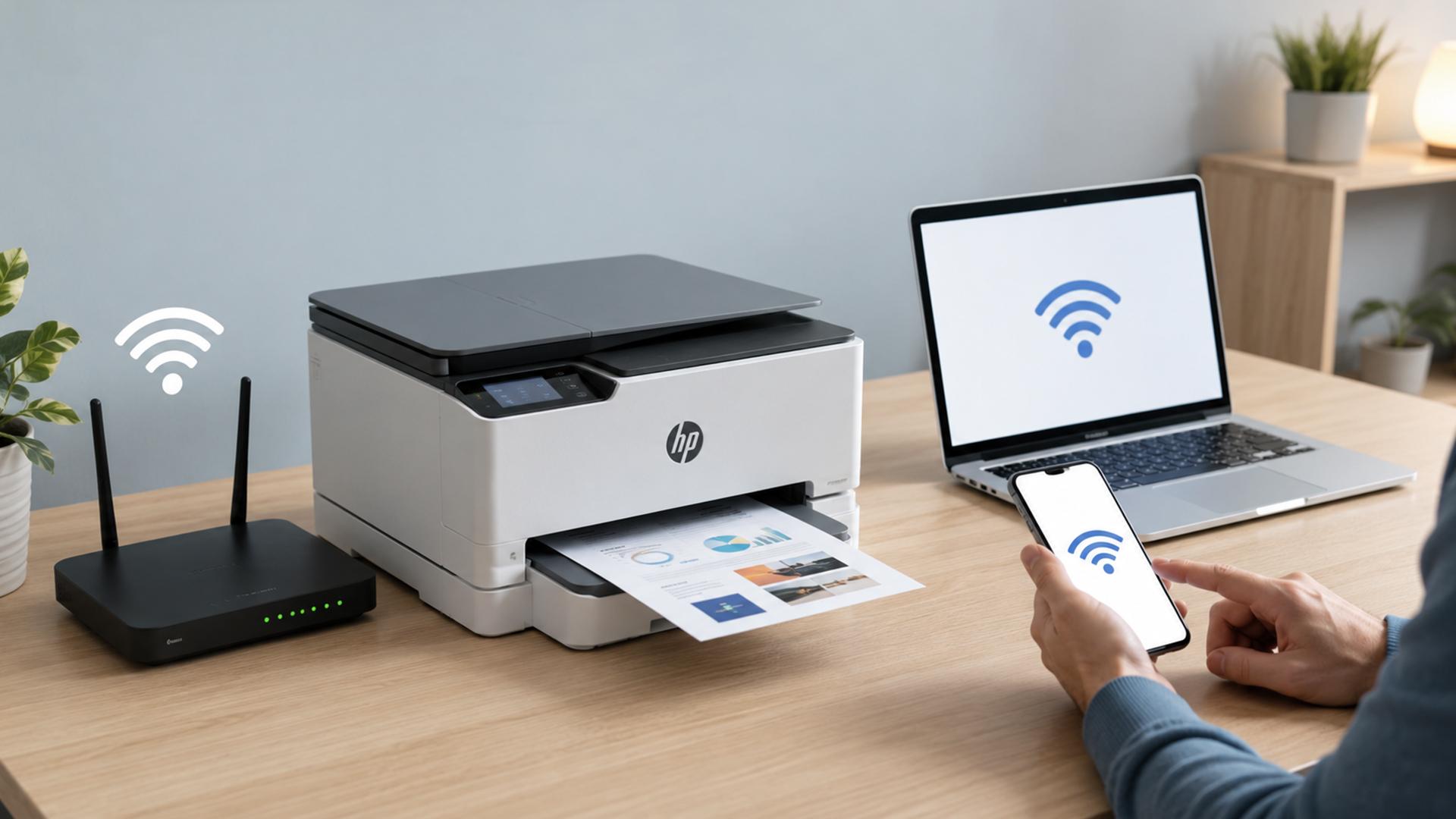
Discover useful methods for connecting printing devices to wireless networks and resolving common connectivity interruptions.
Identify printing problems, understand possible causes, and follow guided steps to resolve technical difficulties without visiting a service centre.
Make Printer Troubleshooting Easier
Access clear technical information and practical guidance to understand device problems, find suitable fixes, and restore your printing setup with confidence.
COMPATIBLE WITH POPULAR PRINTER MANUFACTURERS
Brand names and trademarks belong to their respective owners. Our website operates independently and is not affiliated with or officially connected to any printer manufacturer.


Resource Center
These resources may include printer manuals, software utilities, setup instructions, troubleshooting guides, and other informational materials that help users understand printer-related issues and technical processes.
How to Connect a Printer to a Laptop? Step-by-Step Guide for Windows and Mac
Learn how to connect a printer to a laptop using USB or Wi-Fi.…
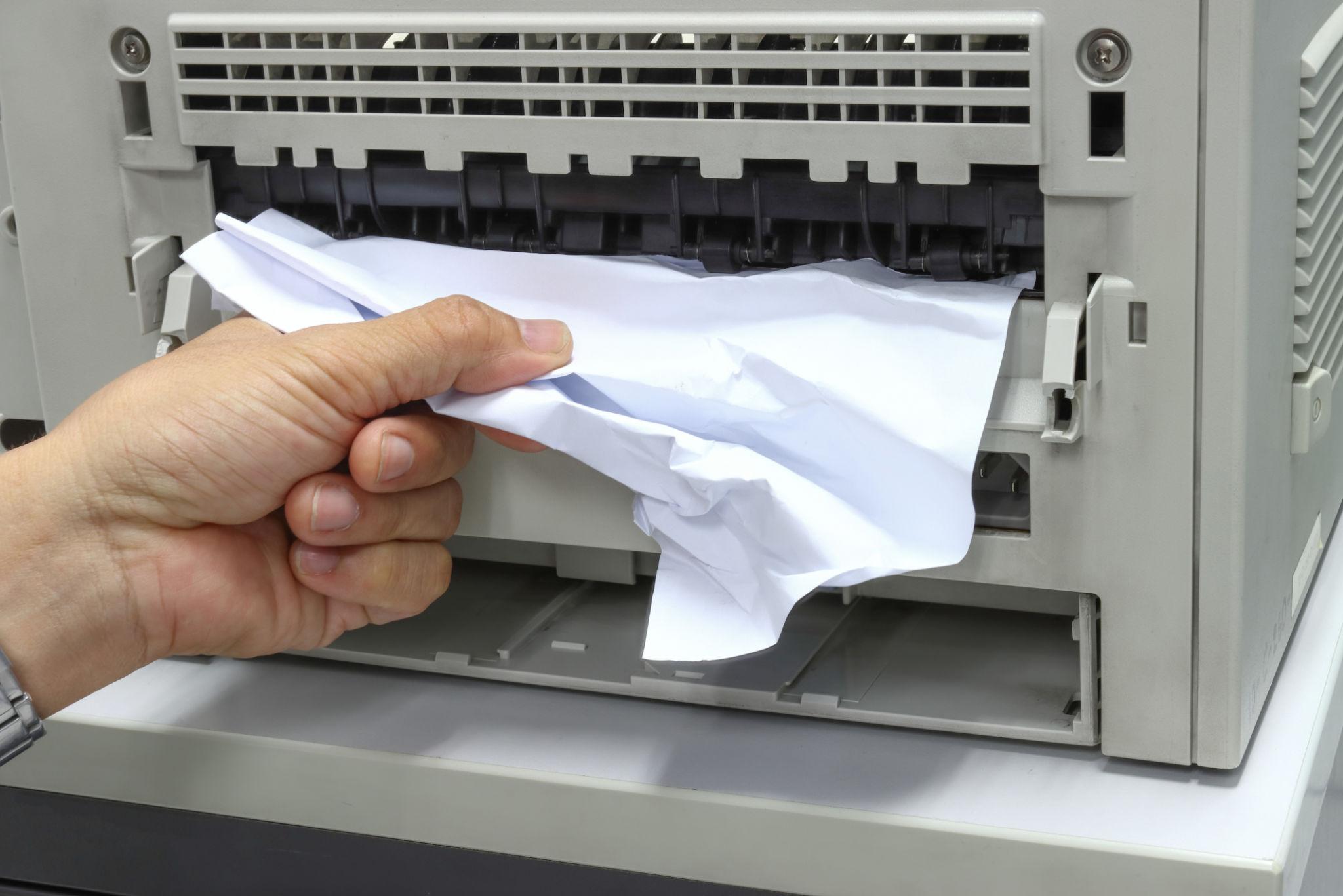
Printer Paper Keeps Jamming? 7 Easy Ways to Fix Paper Jams
Is your printer repeatedly experiencing paper jams? Discover 7 practical ways to remove…
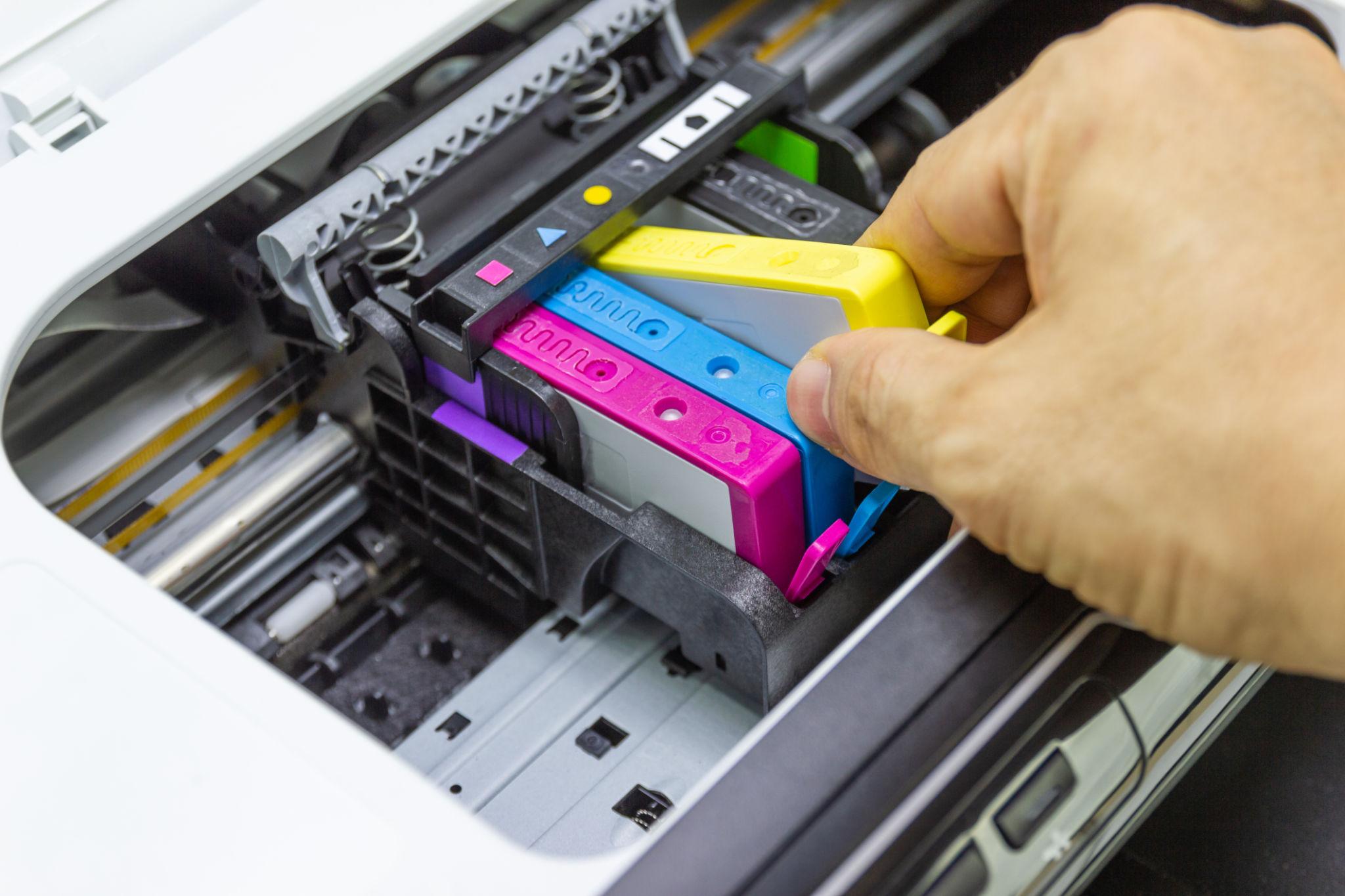
Printer Not Recognizing Ink Cartridge? 7 Ways to Fix It
Is your printer not detecting a new ink cartridge? Learn seven ways to…
Helping You Find the Right Answers to Everyday Printer Problems
Our focus is on making technical information easier to understand and apply. Through carefully prepared tutorials and useful troubleshooting resources, we aim to help users overcome printing difficulties with greater confidence.
-
Guidance for Every Experience Level
From basic printer installation to more complicated connectivity and software errors, our educational resources cover a wide range of technical topics with practical instructions suitable for different users.
-
Need Help Finding a Solution? Explore Our Resources
Trusted by Readers Seeking Clear and Reliable Tech Guidance
I was struggling with repeated printer connection failures. The troubleshooting instructions helped me understand the issue and get my printer working again without unnecessary complications.
Finding easy-to-understand information about printer settings can be difficult. These tutorials explained everything in a simple way and helped me resolve my printing difficulties.
I found the guides particularly useful for understanding driver errors and wireless connectivity problems. The instructions were organized, informative, and easy to follow.
Instead of spending hours searching for solutions, I found practical information in one place. The step-by-step explanations made technical troubleshooting much easier.
Have a Printer Problem? We're Here to Help You Find Answers
Explore our collection of technical resources, practical setup instructions, and troubleshooting articles to better understand printer errors, connectivity issues, and device configuration.